Building iZeroPDF: A Privacy-First, Fully Offline PDF & Image Toolkit
How I built a private, offline PDF and image toolkit using PDF.js, jsPDF, and Service Workers for fast, browser-only processing with zero uploads.
 Nilay Naha
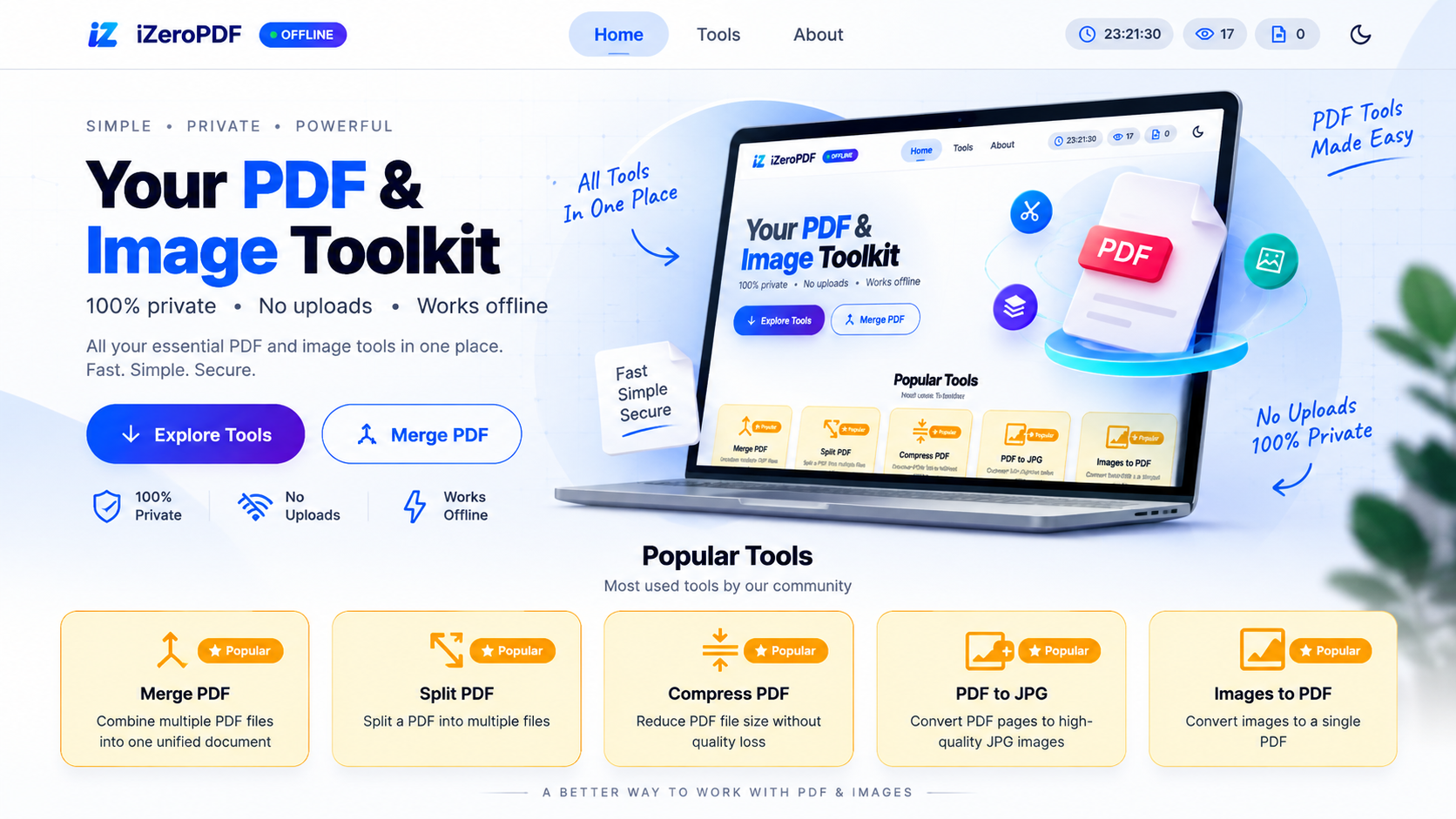
Every time I needed to merge a PDF or compress an image online, I had the same uneasy feeling: I was uploading my files — sometimes personal, sometimes confidential — to a server I knew nothing about. That discomfort became iZeroPDF, an offline-first PDF and image toolkit that never sends a single byte of your data anywhere.
PDF.js jsPDF Canvas API Service Workers PWA
The problem with "free" online PDF tools
Most online PDF utilities follow the same pattern: upload a file, it's processed on a remote server, you download the result. It works, but it has real costs:
- Privacy risk — your documents pass through, and often sit on, someone else's infrastructure.
- Latency — upload and download time adds up, especially for larger files.
- Internet dependency — no connection means no tool.
- Subscription walls — many "free" tools gate real functionality behind paywalls.
I wanted something fundamentally different: a tool where the server simply doesn't exist for your files.
The solution: everything runs in your browser
iZeroPDF eliminates the backend entirely. Instead of sending files to a server, it relies on modern browser APIs to do the heavy lifting:
- PDF.js and jsPDF for reading and generating PDFs.
- Canvas API for image manipulation.
- File API and Blob API for handling files and generating downloads.
- Service Workers for offline caching and PWA support.
The flow is simple — no network hop in between, and no server-side code at all:
- User — opens the app in the browser
- Local file — picked straight from the device
- JS engine — runs the PDF processing
- Blob generation — builds the output file in memory
- Download — saved back to the device
What it can do
The toolkit covers the operations people actually reach for day to day.
PDF tools
Merge, split, compress, organize/reorder pages, remove pages, rotate, lock with a password, convert PDF to images or JPG, and extract embedded images.
Image tools
Convert images to PDF, compress, crop (including circle and square crop), resize with presets for IDs and social media, rotate/flip, add watermarks, and convert across 60+ formats including HEIC, RAW and TIFF.
Installable and offline
It's built as a PWA, so it installs like a native app and keeps working with no internet connection after the first load.
Engineering challenges along the way
A fully backend-free processing pipeline surfaced some interesting problems:
- Memory pressure on large PDFs: rendering a whole document at once didn't scale, so I moved to page-by-page rendering to keep memory manageable.
- Offline reliability: getting Service Workers and browser caching to behave consistently across reloads took real iteration.
- Deployment gremlins: a classic
Unexpected token '<'error on Vercel turned out to be a routing andvercel.jsonmisconfiguration, which meant digging into how static routes were resolved in production. - UI consistency: as features piled up, shared layout wrappers and routing needed cleanup to keep the interface coherent.
- Codebase scalability: I refactored the project into a modular architecture so new tools could be added without the code turning into spaghetti.
Why this project matters to me
iZeroPDF isn't just a portfolio piece. It's frontend engineering under real constraints: no server to lean on, no shortcuts through backend processing, and a hard requirement that everything stays fast and private.
It pushed me to work with browser APIs at a depth I hadn't before, to think carefully about performance and memory, and to go through the full cycle of debugging and deploying a production app.
What's next
On the roadmap: OCR support, AI-powered summarization, digital signatures, in-browser annotations, a dedicated browser extension, and deeper PWA capabilities like batch processing.
Key takeaways
- Processing files entirely in the browser removes the privacy risk, latency and internet dependency of server-based tools.
- PDF.js, jsPDF, Canvas, File/Blob APIs and Service Workers are enough to replace a backend for this kind of work.
- Page-by-page rendering keeps memory under control on large PDFs.
- A modular architecture makes it easy to keep adding tools.
If privacy-first, offline-capable tooling matters to you too, try the live project or explore the code.